
 Lifestyle inspiration
AI Laptop Buying Guide South Africa: How to Choose
Choose a laptop around the work you actually do. This guide explains how to compare configurations, separate useful features from labels and prepare a shortlist for a South African quotation.
Read guide →
Bulk Laptop Orders South Africa: Planning a Team Rollout
A team laptop order needs more than a list of models. Plan configurations, deployment, receiving and support before the devices arrive, with separate requirements for each staff role.
Read guide →
AI Laptops vs Copilot+ PCs: What Buyers Should Check
An AI laptop label does not answer every question about software features. Compare the exact hardware and the experience you need before choosing a configuration or approving a quotation.
Read guide →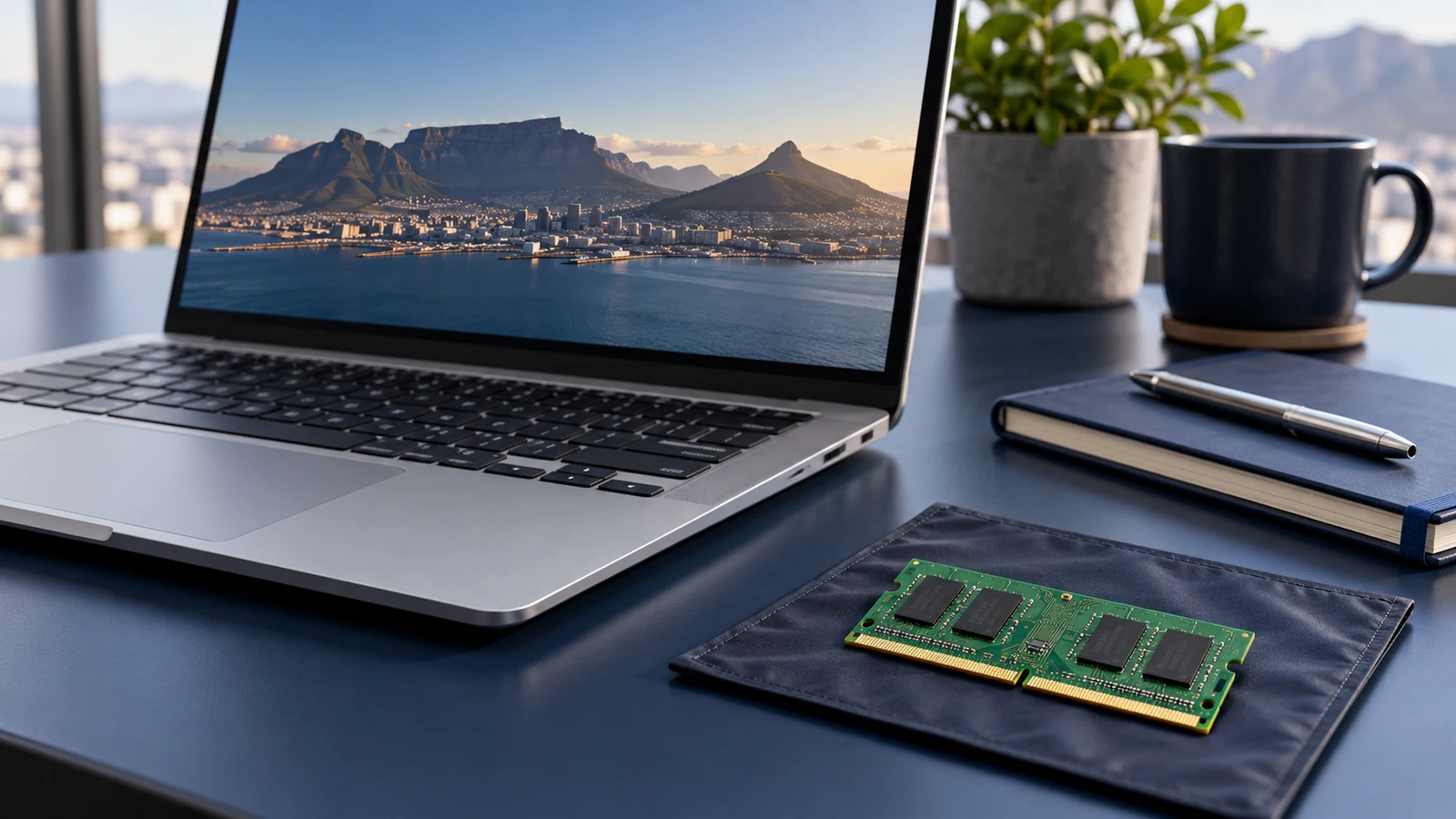
16GB vs 32GB RAM: Which Laptop Memory Should You Choose?
Choose laptop memory around your applications and the way you multitask. Compare 16GB, 24GB and 32GB configurations without confusing system RAM, SSD storage or graphics memory.
Read guide →
Windows 11 Home vs Pro: A Laptop Buying Guide
Check the Windows edition before choosing a laptop for home or business. Separate operating-system features from the hardware specification, and make required licences and services explicit in the quotation.
Read guide →
Business Laptop RFQ Checklist South Africa
Prepare a laptop request for quotation that suppliers can answer accurately. Keep model codes, quantities, configuration requirements and delivery details together so the responses are easier to compare.
Read guide →
Laptops Under R15000 South Africa: What to Check
A budget laptop should fit the work you need to do, not just the price filter. Use this guide to compare lower-priced configurations, keep essential requirements and plan the complete cost.
Read guide →
Gaming Laptop Buying Guide South Africa: GPU, RAM and Display
Compare a gaming laptop by its exact configuration and the games or applications you plan to use. Keep graphics, system memory, display requirements and practical setup questions separate.
Read guide →
Laptop Screen Size Guide: 13, 14, 15.6, 16 or 18 Inch?
Choose a laptop screen around where and how you work. Compare size with resolution, portability and external-display requirements rather than assuming a larger screen automatically means a better laptop.
Read guide →
256GB vs 512GB vs 1TB SSD: Choosing Laptop Storage
Choose SSD capacity around the files and applications you need to keep locally. Keep storage separate from RAM, check expansion assumptions and include the exact capacity in your quotation request.
Read guide →Bring your requirements.
We’ll work through the details.
Model, quantity, software requirements and delivery. Start with a clear quotation.