
RAM and SSD capacity answer different questions
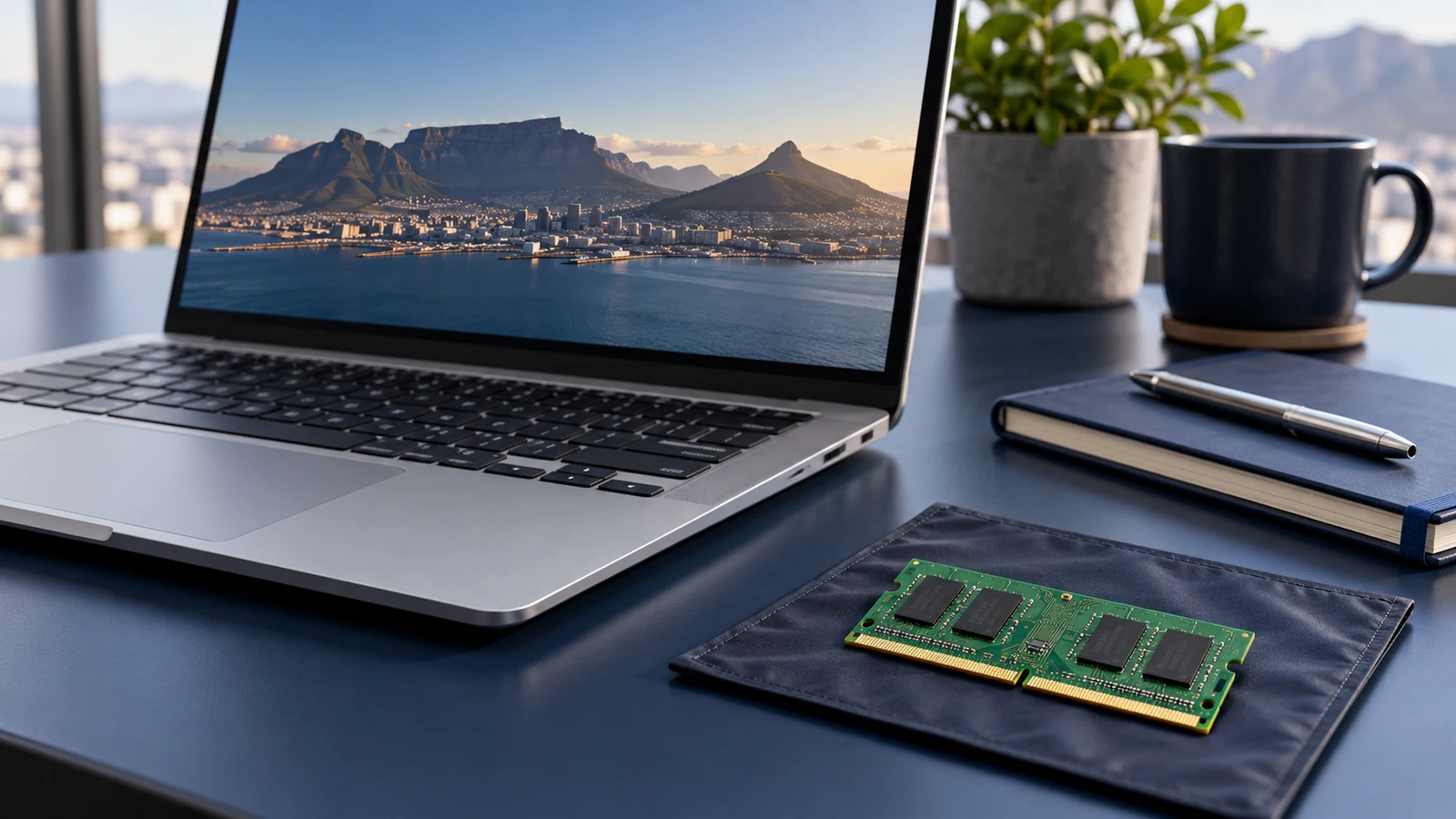
RAM is the working memory used for active tasks, while storage keeps applications and files when the laptop is switched off. A 1TB SSD therefore does not tell you how much RAM a machine has. Read the two fields separately when comparing a quotation. This distinction also helps explain the brief: struggling to keep several applications open is a different concern from running out of room for local files. Our SSD capacity guide deals with the storage decision. Keep both requirements visible so an alternative laptop does not solve one problem while leaving the other unchanged.
Start with the applications you run together
List the applications, browser sessions and files that are normally active at the same time. Include the software you use during meetings, not just the main program associated with your job title. If you already have a working device, ask your IT team to assess the actual workload rather than guessing from the number of tabs alone. Consult the software publisher's requirements for specialist applications. The useful question is whether a proposed configuration has appropriate memory for your work; it is not whether every employee in the company should receive the largest available number by default.
Use 16GB as a configuration to assess, not a promise
A 16GB listing tells you the supplied memory capacity, but it does not guarantee that every application or combination of tasks will feel the same on every model. The processor, storage, graphics and software still matter. If your current brief points towards 16GB, compare several complete configurations and record any application requirements that need checking. For a straightforward office purchase, start with business laptops and filter the catalogue by memory. For a tighter budget, read the under-R15000 buying guide before trading away a requirement that your daily work depends on.
Consider 24GB or 32GB when the brief supports it
More demanding combinations of applications, larger projects or a planned change in workload may justify looking beyond a 16GB configuration. Explain that workload in the enquiry so the choice can be assessed alongside the rest of the hardware. The catalogue includes both 24GB and 32GB options; do not force every comparison into a simple small-versus-large contest. Our 32GB laptop collection is useful for shortlisting, but the memory figure is not a standalone benchmark. Keep the complete processor reference and any required graphics specification beside it when asking for a quotation.
Keep system RAM separate from graphics memory
A gaming-laptop title can contain more than one memory figure. One may refer to system RAM and another to the graphics configuration. Do not add those numbers together or assume that an 8GB figure next to a GPU describes the notebook's system memory. Read the supplied specification fields separately and ask for clarification if the heading and table disagree. Our gaming laptop guide explains the broader comparison. For a business application with specific graphics requirements, include the application's own requirements in the enquiry instead of treating a large RAM capacity as a substitute for the required graphics capability.
Confirm upgrade options before planning a later change
Do not assume that memory can be expanded simply because you have upgraded an older laptop before. Ask about the arrangement in the exact model, the supported capacity and any relevant support conditions. If an upgrade is essential to your plan, get that answer before buying a lower-capacity configuration. A future change also needs someone to perform and support it, so include that practical responsibility in the decision. For a team order, choosing the appropriate supplied configuration may be easier to administer than leaving several different upgrade plans unresolved. Our rollout planning guide covers the handover side.
Ask for alternatives that preserve the important requirements
A useful quotation request might identify one preferred 16GB model and one 32GB alternative, with quantities for the staff roles that need each. Explain which applications drive the difference and whether a particular Windows edition or delivery date is essential. Save the models to the quote list and review them in the comparison tool before submitting. Keep exact supplier codes with the selections so similarly named models do not get merged. The final choice should follow the working brief, complete configuration and written quotation, rather than an assumption that one memory size is always right for everybody.