
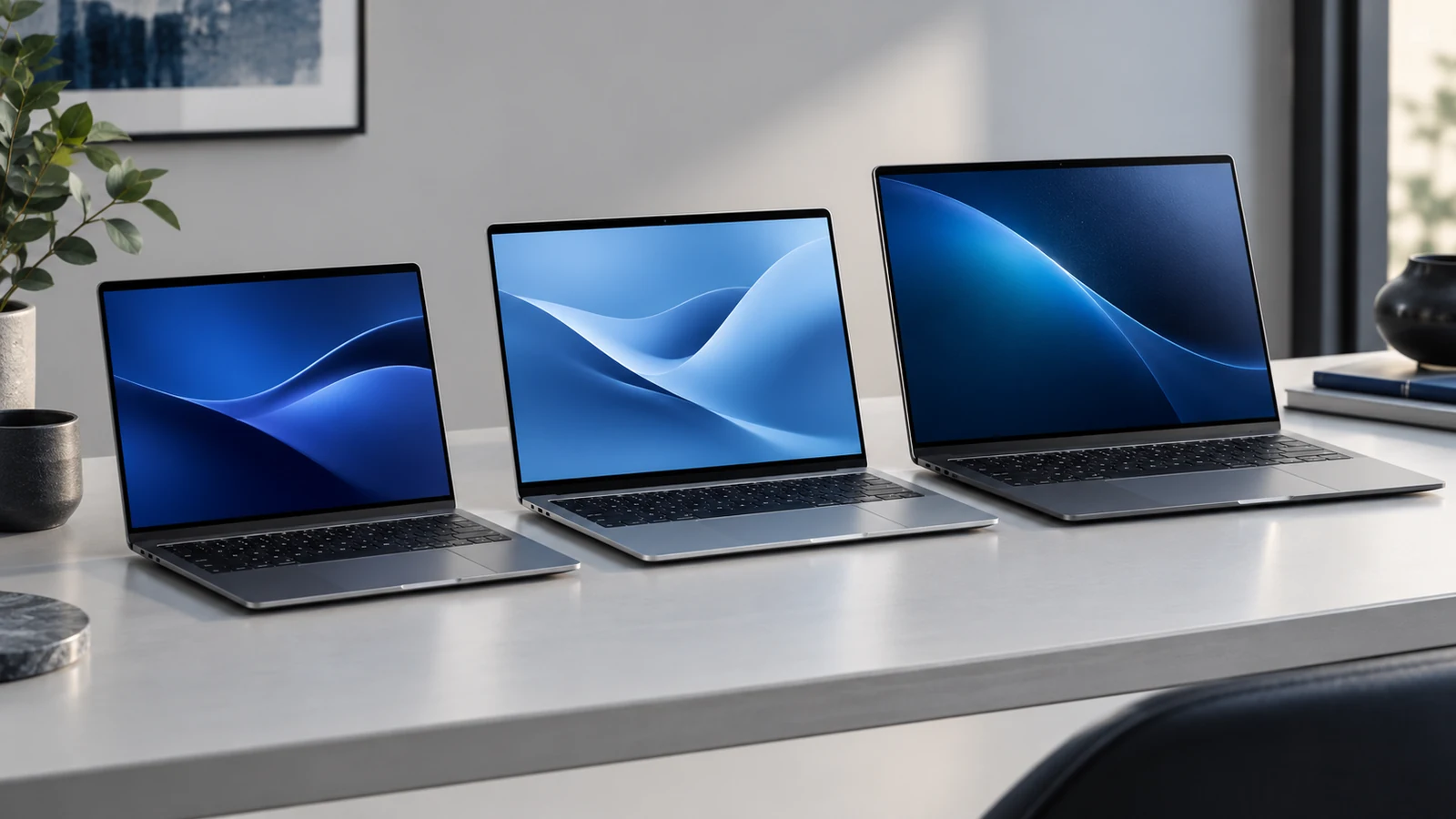
Begin with the places where the laptop will be used
Think about a normal week: commuting, moving between meeting rooms, working at one desk or sharing space at home. A screen that feels comfortable in a permanent setup may be less convenient in a small bag or on a crowded table. Write down those practical conditions before comparing the diagonal measurements. The catalogue contains several screen sizes, and the right starting point depends on the working brief. Use the laptop catalogue to filter by the listed screen size, then compare the complete dimensions and weight where those details have been supplied or can be confirmed.
Separate physical size from display specification
The screen-size figure does not tell you everything about the panel. Resolution, refresh rate and touch support are separate fields, and similar-looking configurations can use different displays. Do not assume those details from a photograph or transfer a specification from another model in the same family. Check the supplied table and ask about any missing requirement. For creative work or a specialist application, describe the actual display requirement in the enquiry. For gaming, our gaming laptop buying guide explains why the display choice needs to be considered alongside the processor and graphics configuration rather than as an isolated upgrade.
Assess smaller-screen options for a mobile brief
If the device will travel regularly, begin by assessing the smaller-screen configurations that meet your application requirements. Consider the available workspace, keyboard arrangement and how you normally carry the laptop. A smaller screen may fit your travel pattern, but do not infer the complete weight or battery runtime from its diagonal size. Compare those specifications for the exact model if they are important to your decision. Our HP laptop collection and Lenovo laptop collection include different configurations to explore. Keep the actual screen size and supplier code together so a familiar family name does not obscure the difference.
Compare mid-sized options in the intended workspace
A 14-inch, 15.3-inch, 15.6-inch or 16-inch listing can represent quite different practical choices once the chassis, keyboard and display specification are considered. Rather than treating a small difference in the headline measurement as decisive, ask how the machine will be used at your usual desk and during travel. Check whether the keyboard layout and available connections meet the brief. Browse the Dell configurations or Asus configurations and use the comparison tool to keep screen size beside RAM, storage and Windows edition. The complete working setup matters more than a single dimension.
Give larger gaming and desk-focused models a practical check
A larger-screen model may be attractive for a desk-focused brief, but it still needs to fit the available space and carrying arrangement. Check the full dimensions, supplied display and power requirements where relevant. Do not assume that a larger chassis guarantees a particular graphics configuration, cooling result or battery runtime. A large-screen gaming notebook should still be assessed against the games or applications you intend to run. Our gaming range provides individual supplier codes for that comparison. If a model will occasionally travel, include the required carrying accessories in the enquiry instead of discovering the fit problem after ordering.
Plan external monitors and docking separately
If the laptop will usually connect to an external display, include that setup in the brief. Specify the monitor or dock you already use, the number of screens and any essential connection requirements. Ask for compatibility confirmation against the exact notebook rather than assuming that every connection with a familiar shape supports the same functions. The device's own screen still matters for meetings and travel, so think about both situations. For a company rollout, our team ordering guide explains how to record accessory and setup responsibilities before delivery, avoiding a hardware order that leaves the everyday working environment unresolved.
Choose the complete configuration and confirm the details
Finish with a shortlist that explains why each model suits the workspace. Keep screen size, resolution and any required touch or external-display capability visible beside the processor, memory and storage. If a particular display feature is essential, request written confirmation instead of assuming it follows the product name. The general buying guide and RFQ checklist help turn those decisions into an accurate enquiry. Send the selected supplier codes, quantity and delivery area together, then compare the written quotation with the practical brief you started with.